


About YouTube Thumbnail Downloader
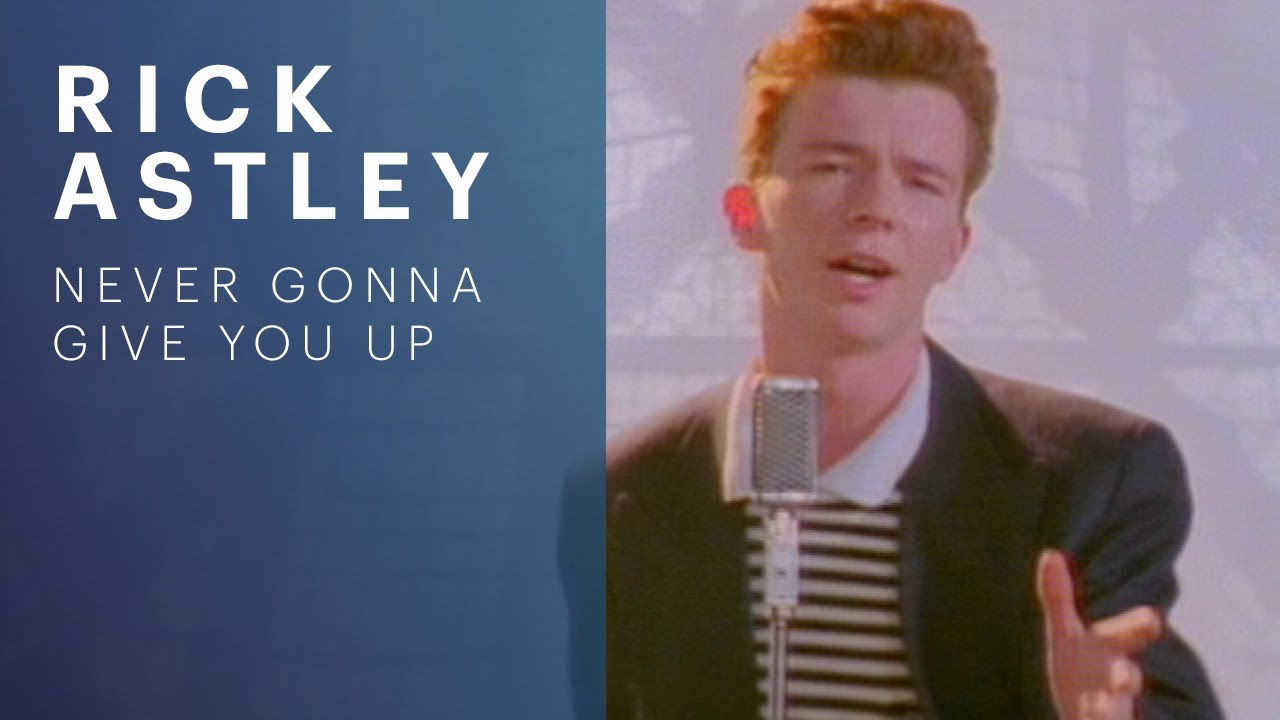
Working with images online usually means uploading them to a stranger's server and hoping for the best. YouTube Thumbnail Downloader avoids that entirely. Grab any YouTube video's thumbnail in max, HD, SD and small sizes — paste a URL or ID.
Your images are processed locally in the browser using the Canvas API. Nothing is uploaded, nothing is stored, and you can drop in private photos, screenshots or design mockups with confidence.
How to use it
- 1Drop or upload an image into the box above.
- 2Adjust any options you want — quality, format, size.
- 3Download the processed image with the Download button.
When it comes in handy
- Shrinking photos before emailing or uploading them.
- Converting screenshots into a format another app can read.
- Preparing assets for blog posts and social media.
- Working with private images you don't want on a stranger's server.
Frequently asked questions
Are my images uploaded anywhere?
No. Images are processed in your browser using the Canvas API and never leave your device.
What formats does YouTube Thumbnail Downloader support?
All common web image formats — JPG, PNG and WebP — and SVG where relevant.
Is there a file-size limit?
There's no hard cap, but very large images may use a lot of memory. Try compressing first if needed.